Plasmic Tutorials
The best way to learn Plasmic is to use Plasmic to build your own projects!
Below are some tutorials that you can use to learn Plasmic, we highly recommend starting with the “Plasmic Levels” mini-game:
“Plasmic Levels” Mini-Game
If you’re just getting started, we highly recommend starting with the “Plasmic Levels” mini-game
A sequence of levels that take you through some general concepts around layout and components, and how Plasmic expresses these. It gives you a fun little hands-on way to go from zero to hero in Plasmic.
You can find this one in the “Get Started” section of the main project list page you see when you log in.

3-Minute Codegen Quickstart
Super-short guide to syncing down a simple Profile Card component into your local codebase.

Interactions and state tutorial
A simple guide to help you understand how to use interactions and state in Plasmic.
Video tutorial - build your first website with Plasmic
A video tutorial that walks you through the process of building your first website with Plasmic.
Video tutorial - How to import from Figma to Plasmic
A video tutorial that walks you through the process of importing from Figma to Plasmic.
Using auth.js (next-auth) with Plasmic
Teaches you how to integrate auth.js (next-auth) with Plasmic. This tutorial is not relevant if you’re using Plasmic Auth.
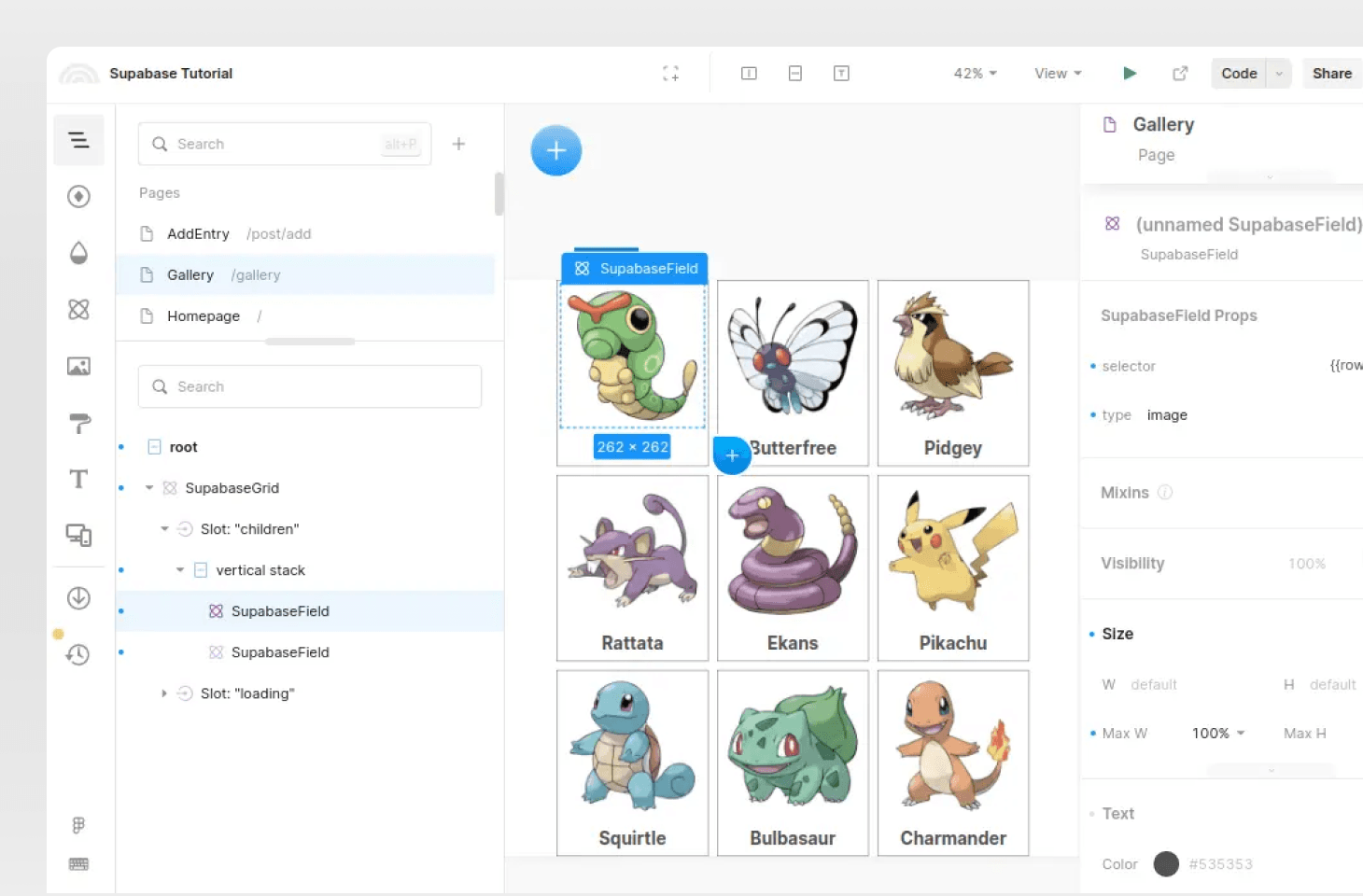
Using Supabase with Plasmic
An in-depth tutorial on how to integrate Supabase code components with Plasmic. Includes a step-by-step guide which covers:
- Supabase Auth
- Supabase Database
- Supabase Storage
Plasmic as UI builder
If you’re interested in using Plasmic as a UI builder, we recommend checking out the Plasmic as UI builder documentation and tutorials.