HTTP API (Fetch) integration
The HTTP API integration lets you configure arbitrary HTTP endpoint calls directly from Plasmic using data queries. This is the most flexible option when you need to work with HTTP APIs or other services that expose standard HTTP routes.
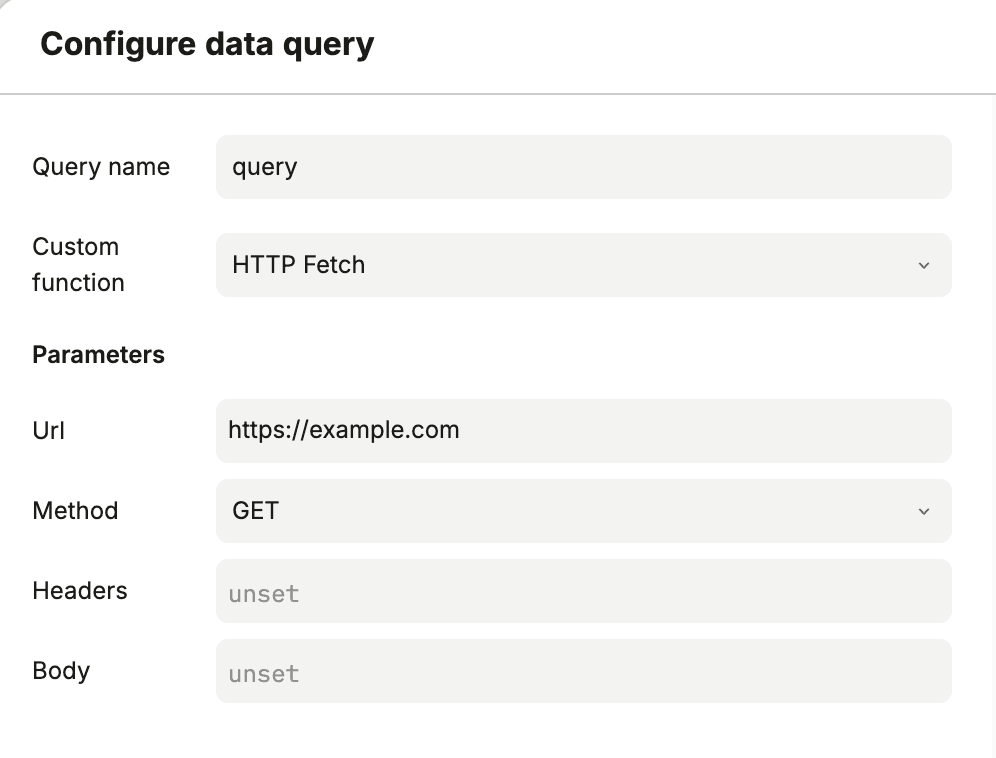
You can configure the full request in the query dialog, including URL, method, headers, and body.
Getting started
- In Page Data or Component Data, add a new data query and set a query name.
- Set Custom function to
HTTP Fetch. - Fill the parameters from the table below.
- Execute and save the query.
Parameters
| Field | Description | Required? |
|---|---|---|
| Url | Full request URL. | Required |
| Method | HTTP method to use. | Required |
| Headers | Request headers. | Optional |
| Body | Request payload. | Optional |
Is this page helpful?
NoYes